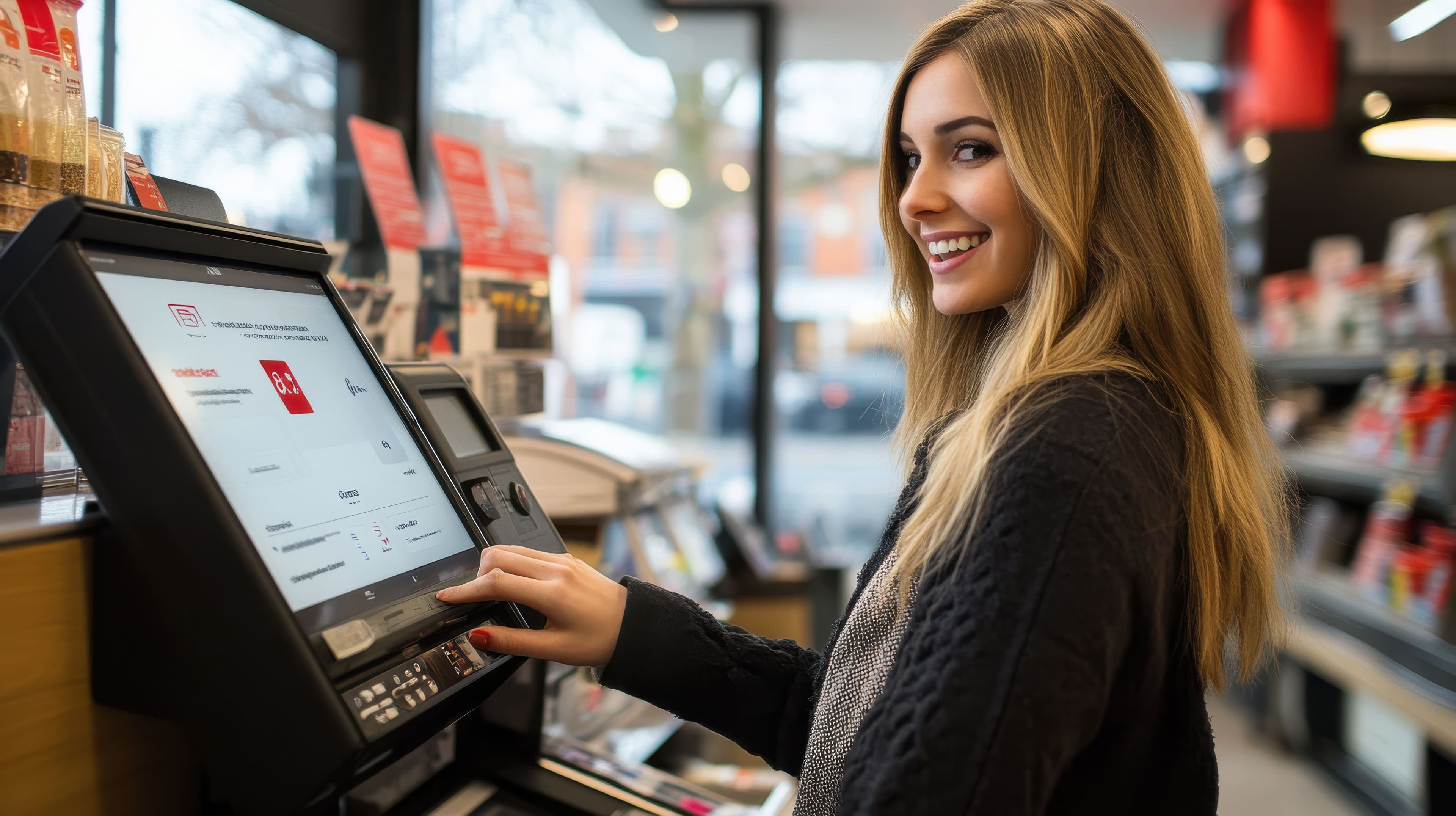

Run your Café or Restaurant from any browser!
Rohoverse POS is a fast, browser-based point of sale for restaurants and cafes — with mobile money and card payments built in. No proprietary hardware, no native app.
Set up your business in minutes — no credit card required.
Runs in any browser
No proprietary hardware, no native app to install — just open a tab.
Mobile money + card built in
RohoPay payments are wired in from day one, with webhook-confirmed status.
Real-time from any device
Sales, shifts, and top items — check them from your phone between rushes.
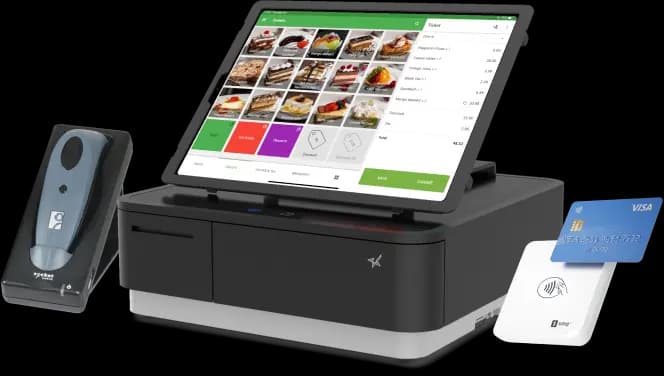
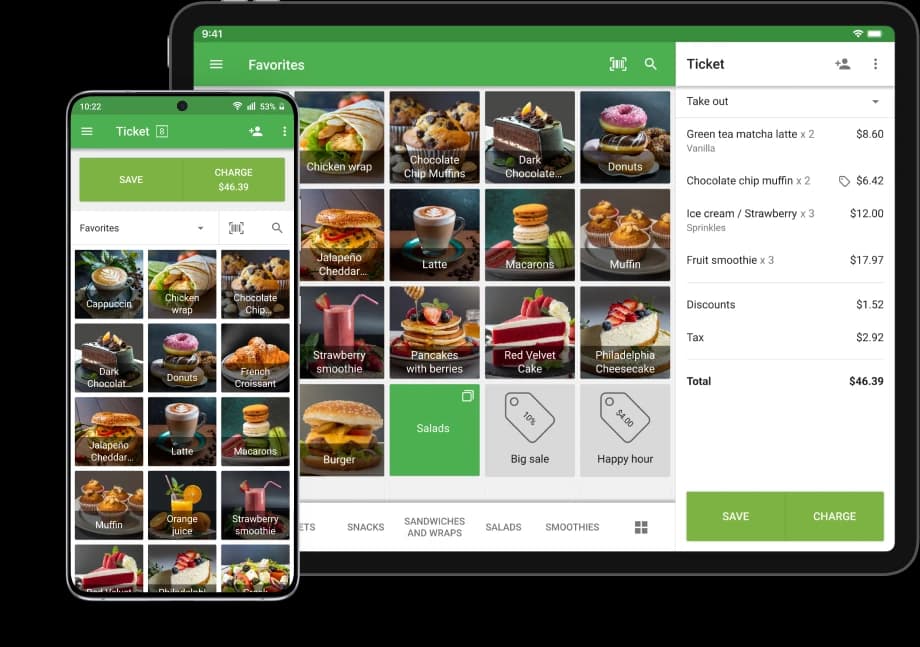
Take orders at the speed of a rush
A two-panel ticket screen built for a lunch line: category pills and search on one side, a live order panel on the other.
- Item grid with modifiers, quantity steppers, and per-item notes
- Dine-in with table picker, takeout, or delivery
- Per-item and per-order discounts, running totals in real time
Orders hit the kitchen the moment they're sent
No paper tickets to lose. Orders move through incoming, in-progress, and ready columns that auto-refresh on their own.
- Live incoming / in-progress / ready columns
- One tap to update status from the kitchen screen
- Printable kitchen tickets when you still want paper
Get paid your way, confirmed the right way
Cash, mobile money, and card all settle through the same ticket. Status is confirmed by a verified RohoPay webhook — never trusted from a redirect alone.
- Mobile money and card checkout via RohoPay
- Idempotency keys prevent duplicate charges on retry
- Receipts print or email automatically on completion
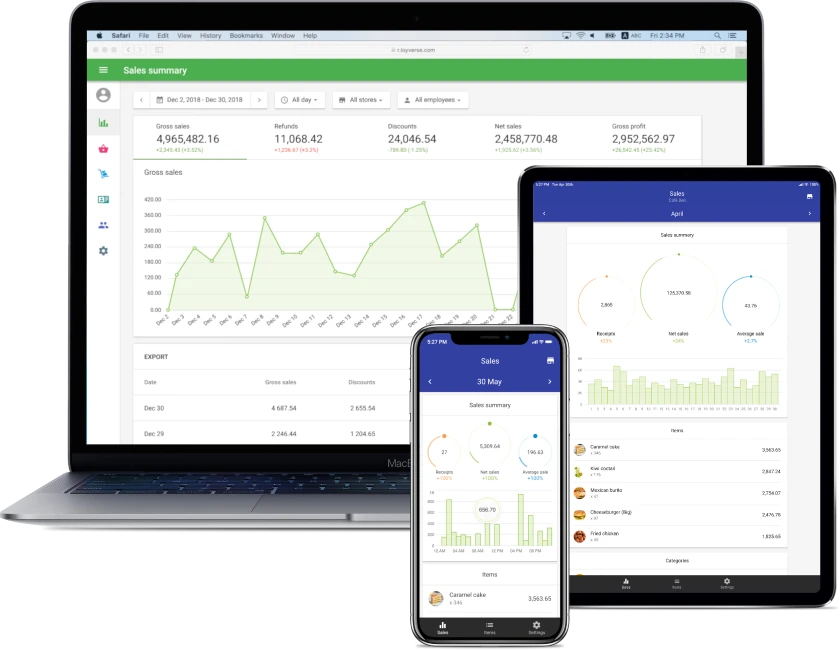
Know how the day is going, right now
Today, this week, this month — sales, order count, and average order value on one screen, plus a full sales report you can export.
- Revenue chart and top-selling items at a glance
- Filterable sales report by date, dining option, status
- One-click export to Excel or PDF
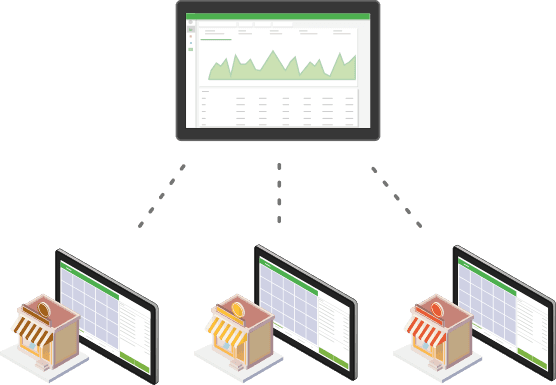
Built for a team, not just one register
Owners, managers, cashiers, and kitchen staff each get exactly the screen they need — nothing more.
- Role-based access: Owner, Manager, Cashier, Kitchen
- Shift open/close with starting-cash reconciliation
- Add branches as the business grows
Everything the shift needs, in one product
One login, four screens — each scoped to exactly who needs it.
POS ticket screen
Build and send orders in seconds, on any device.
Kitchen display
Live order queue for the back of house.
Back office dashboard
Sales, shifts, staff, and menu in one place.
Receipts
Printed or emailed, itemized and branded.
Built for food & drink
Rohoverse is purpose-built for restaurants and cafes — not stretched to fit every kind of business.
Restaurants
Full-service dine-in with tables, modifiers, and kitchen routing.
Cafes
Fast counter service with a menu that changes by the day.
Quick-service & takeout
Speed-first ticket flow for takeout and delivery orders.
Frequently asked questions
Do I need special hardware to run Rohoverse?
No. Rohoverse runs in any modern browser on a desktop, laptop, or tablet — the POS screen is designed to work well on a tablet at the counter.
What payment methods are supported?
Cash is always available. Mobile money and card payments run through RohoPay, with payment status confirmed by a signed webhook rather than trusted blindly.
Can my staff have different levels of access?
Yes — Owners get full access, Managers handle the menu and reports, Cashiers are scoped to the POS ticket screen, and Kitchen staff only see the kitchen display.
Which currencies does Rohoverse support?
15+ currencies out of the box, including USD, EUR, GBP, UGX, KES, TZS, RWF, and NGN — pick one when you set up your business.
Can I run more than one branch?
Yes. A business can have multiple branches, each with its own tables and staff assignments, all reporting into the same dashboard.
Get the help you need
Real support, not a chatbot maze.
Help center
Step-by-step guides for every screen — the POS ticket flow, kitchen display, payments, and reports.
Read the docs →Email support
Questions before signing up, feedback, or something broken? We read every email ourselves.
Email us →FAQ
Quick answers to the questions we hear most — hardware, payments, roles, and currencies.
See the FAQ →Ready to run your restaurant from any browser?
Set up your business, add your menu, and take your first order today.
Start free